





Build a Gang Sheet
DTF Gang Sheet Builder
- $0.00
- $0.00
- Unit price
- per
Please hurry! Only 0 left in stock
Subtotal:
$0.00
Couldn't load pickup availability

Description
xDTF Gang Sheet Builder — Arrange More Designs, Pay Less Per Transfer
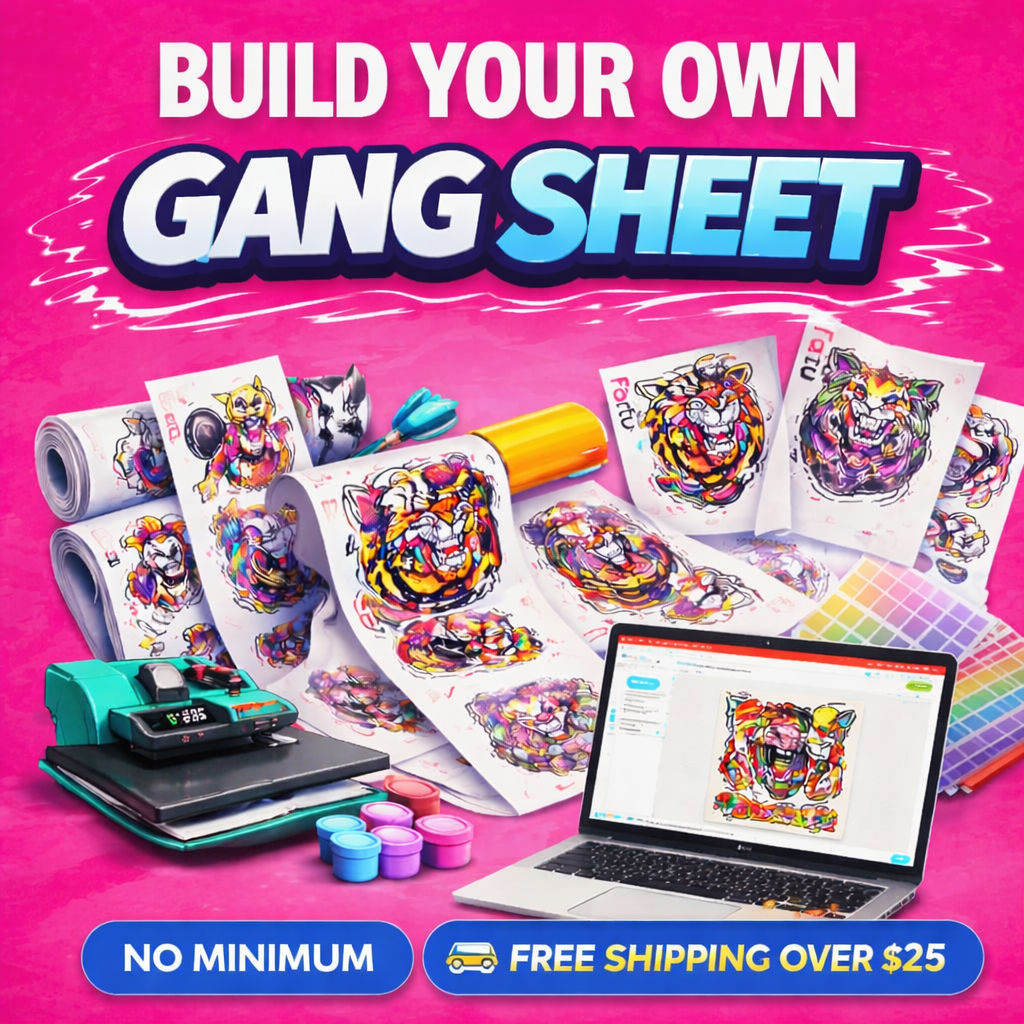
Upload your artwork, arrange multiple designs on one sheet, and get professional-quality DTF transfers printed and shipped fast. The more you fit on a sheet, the lower your cost per transfer.
🏭 Drag-and-Drop Builder
⚡ Same or Next Business Day Turnaround
✓ No Minimums
🌟 Premium Print Quality
🚚 Fast Shipping
Whether you're a clothing brand, print shop, or first-time buyer, our Gang Sheet Builder makes it easy to maximize every inch of film — so you get more transfers for your money on every single order.
What Is a DTF Gang Sheet?
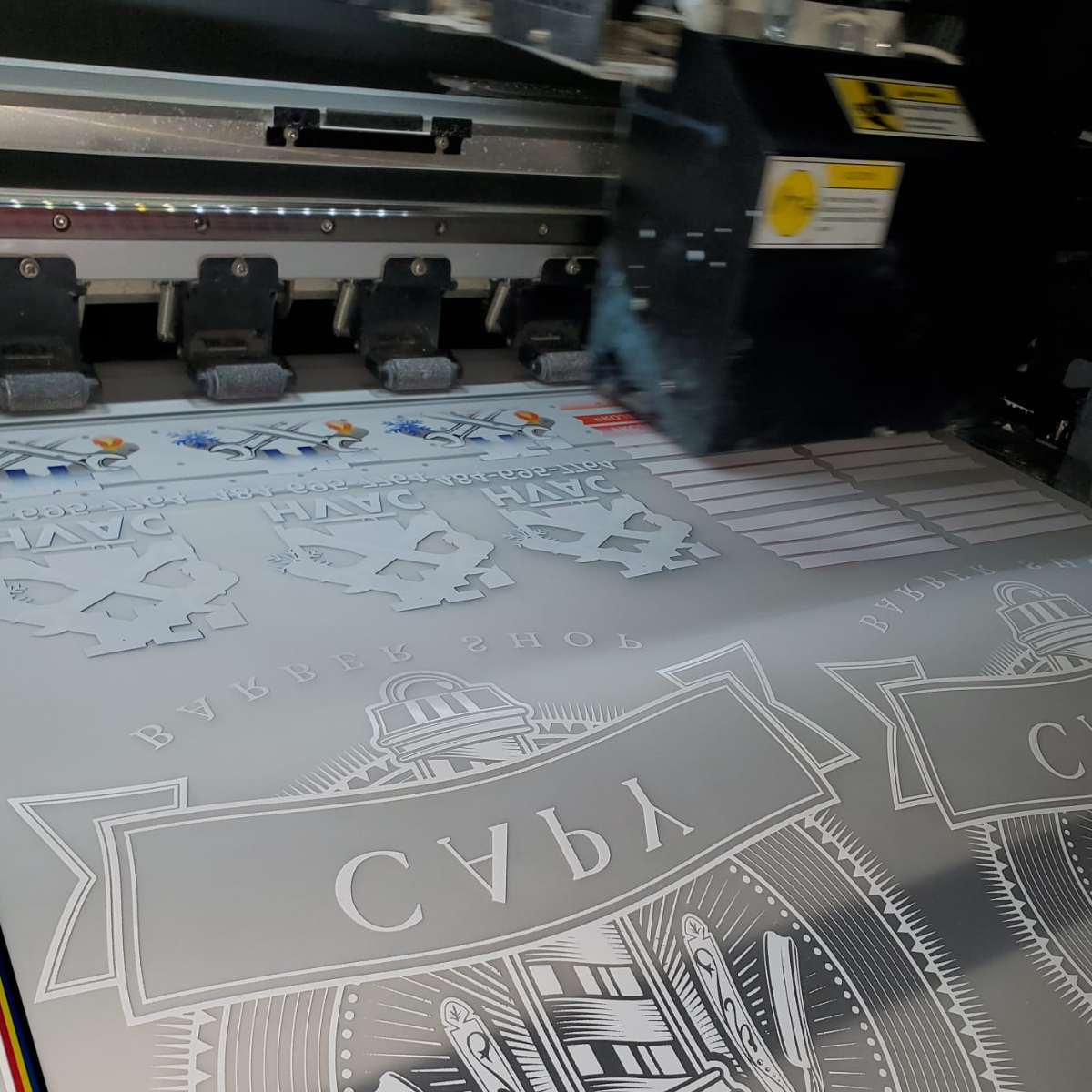
A gang sheet is a single large sheet of DTF transfer film that holds multiple designs arranged side by side. Instead of ordering each design separately, you combine logos, graphics, and artwork of different sizes onto one sheet — maximizing the film and lowering your cost per transfer.
Our Gang Sheet Builder lets you upload your artwork, drag and drop designs into position, resize them, duplicate them, and fill every inch of the sheet before you order. It's the most cost-effective way to order DTF transfers, especially when you have multiple designs or need different sizes of the same artwork.
Once you're happy with your layout, we print the entire sheet with premium inks and ship it fast — ready to press onto any garment.
Why Use a Gang Sheet Instead of Individual Transfers?
| Feature | Gang Sheet | Individual Transfers by Size |
|---|---|---|
| Cost Per Transfer | ✓ Lower — fill the sheet, pay less per design | Higher for multiple designs |
| Multiple Designs | ✓ Combine multiple designs on one sheet | Each design is sized and ordered separately |
| Different Sizes | ✓ Mix sizes freely on the same sheet | Select the size for each individual transfer |
| Layout Control | ✓ Drag, drop, resize, and duplicate designs | Each transfer is ordered separately without a custom sheet layout |
| Best For | Multiple designs, bulk orders, brands | Single designs, small quantities |
| Sheet Size | Up to 50 ft — need more? Contact us | Fixed sizes up to 11" × 11" |
Why Choose DTFera?
🏭
Easy Drag-and-Drop BuilderUpload your artwork and arrange designs visually. No design software needed.
💰
Lower Cost Per TransferThe more designs you fit on a sheet, the less you pay per transfer.
🌟
Premium InksRich, vivid color designed for long-lasting wear.
⚡
Fast TurnaroundSame or next business day production.
✓
No MinimumsOrder one sheet or fifty — same quality every time.
💪
Durable PrintsDesigned for long-lasting wear when applied and cared for correctly.
🌈
Consistent Color QualityCarefully produced for dependable color and print quality.
🔒
Secure CheckoutYour payment and personal information are always protected.
💬
Friendly SupportQuestions? Text us at (484) 273-2357.
How It Works
📄
Step 1Select your sheet size and open the Gang Sheet Builder.
🏭
Step 2Upload your artwork and drag designs onto the sheet. Resize, duplicate, and arrange until every inch is filled.
🎯
Step 3Review your complete layout, confirm everything looks correct, and place your order. Production begins the same or next business day.
🔥
Step 4Receive your gang sheet, cut out your transfers, and press them onto compatible garments.
Gang Sheet Size Guide
All sheets are 22 inches wide. The longer the sheet, the more designs you can fit — and the lower your cost per transfer.
| Sheet Size | Price | Best For |
|---|---|---|
| 22" × 12" (1 ft) | $7.99 | Small logos, testing designs |
| 22" × 24" (2 ft) | $12.99 | A few designs or small batches |
| 22" × 36" (3 ft) | $17.99 | Multiple logos and small graphics |
| 22" × 60" (5 ft) | $27.99 | Mixed sizes, small production runs |
| 22" × 84" (7 ft) | $39.99 | Clothing brands, repeat designs |
| 22" × 120" (10 ft) | $54.99 | Medium production runs |
| 22" × 180" (15 ft) | $79.99 | Large batches, multiple designs |
| 22" × 240" (20 ft) | $99.99 | High-volume print shops |
| 22" × 360" (30 ft) | $139.99 | Large production orders |
| 22" × 480" (40 ft) | $179.99 | Wholesale and bulk orders |
| 22" × 600" (50 ft) | $214.99 | Maximum value, high-volume shops |
| Need larger? | Text us | Custom quotes available |
Tips for Maximizing Your Gang Sheet
- Fill every inch — Rotate, resize, and reposition designs until the sheet is packed efficiently.
- Mix sizes strategically — Place smaller designs in the gaps between larger ones.
- Duplicate your best sellers — Build up inventory of popular designs in a single order.
- Order multiple colorways together — Put all color versions on one sheet instead of ordering separately.
- Leave a small gap between designs — Around 0.25" makes cutting easier.
- Use PNG with transparent backgrounds — Ensures clean prints without a white box.
Artwork Requirements
- PNG Required — The Gang Sheet Builder accepts PNG files. Use PNG with a transparent background for best results.
- Transparent Background Required — Remove any white or colored background before uploading.
- 300 DPI Recommended — Design at actual print size for sharp, professional results.
- RGB Color Mode — CMYK files can cause color shifts during processing.
- Review Before Ordering — Double-check your complete layout before submitting the order.
⚠️ Important: Your gang sheet will be printed from the layout you submit. Please review artwork quality, spelling, dimensions, transparency, design placement, and spacing before completing your order.
Read the full Artwork Requirements guide →
Compatible Fabrics
Cotton
100% cotton tees, hoodies, and more
Polyester
Athletic wear, jerseys, performance fabrics
Tri-Blends
Cotton/poly/rayon blends
Canvas
Tote bags, aprons, canvas goods
Denim
Jackets, jeans, denim accessories
Performance Fabrics
Moisture-wicking and athletic materials
Perfect For
📸 Clothing Brands
Combine multiple logo sizes and colorways on one sheet.
🏭 Print Shops
Batch multiple customer orders and reduce cost per print.
🎓 Schools & Sports Teams
Mix numbers, names, and logos for uniform decoration.
💼 Small Businesses
Branded apparel for staff, events, and promotions.
🎉 Events & Fundraisers
Combine front, back, and sleeve logos on one sheet.
🛍 Etsy Sellers
Batch custom orders and fulfill faster with lower costs.
✍️ Churches & Nonprofits
Affordable custom apparel for groups of any size.
🎨 Designers & Creators
Test multiple design variations before a full production run.
Trusted by Clothing Brands, Print Shops, Schools, Teams, and Creators Across the USA
From first-time buyers ordering one gang sheet to established clothing brands and high-volume print shops, customers across the country choose DTFera for dependable quality, fast production, and helpful service.
✓ Clothing Brands
✓ Print Shops
✓ Schools & Sports Teams
✓ Etsy Sellers
✓ Creators Nationwide
Frequently Asked Questions
What is a DTF gang sheet?
A gang sheet is a large sheet of DTF transfer film that holds multiple designs side by side. You combine them on one sheet to maximize the film and lower your cost per transfer.
How does the Gang Sheet Builder work?
Select your sheet size, open the builder, upload your PNG artwork, and drag designs onto the sheet. Resize, rotate, and duplicate to fill every inch. Place your order and we'll print and ship fast.
What's the difference between the Gang Sheet Builder and Upload a Print-Ready Gang Sheet?
The Gang Sheet Builder is for customers who want to arrange designs using our interactive tool. Upload a Print-Ready Gang Sheet is for customers who already have a finished file and just need it printed.
What file format should I upload?
The Gang Sheet Builder accepts PNG files. Use PNG with a transparent background for the best results. See our Artwork Requirements guide for full preparation details.
Do I need a minimum order?
No. Order a single sheet starting at $7.99. No minimums, no setup fees.
How wide are the gang sheets?
All sheets are 22 inches wide. Choose your length from 12 inches (1 ft) up to 600 inches (50 ft). Need larger? Contact us.
How do I cut my transfers after printing?
Use scissors or a rotary cutter. Leave a small border around each design — a little clear film won't affect the result.
What heat press settings should I use?
Pressing temperature, time, and pressure can vary by garment and heat press. Follow DTFera's current pressing instructions and see our Heat Press Settings guide for complete guidance.
How long do DTF transfers last?
DTF transfers are designed for long-lasting wear when applied and cared for correctly. See our Washing & Care Guide for tips on getting the best results.
How fast will my order ship?
Same or next business day production. Carrier delivery time begins after the order ships and varies by destination and shipping method.
Can you review my artwork before I order?
Yes. Text (484) 273-2357 before ordering. Text only — no phone support.
Ready to Build Your Gang Sheet?
Select your sheet size, open the builder, upload your designs, and arrange them your way. We'll print and ship fast.
Start Building Now →Learn More: DTFera Learning Center
- Artwork Requirements for DTF Transfers
- Best File Types for DTF Transfers
- How to Make Artwork Transparent for DTF Printing
- Best Resolution for DTF Transfers: 300 DPI Explained
- How to Press DTF Transfers: The Complete Guide
- Best Heat Press Settings for DTF Transfers
- DTF Washing & Care Guide
- Browse the Full DTFera Learning Center →
You Might Also Need
Why Customers Trust DTFera
🇺🇸
Printed in the USAEvery transfer is produced at our U.S. facility.
🌟
Premium MaterialsHigh-quality inks and film on every order.
🌈
Consistent Color QualityCarefully produced for dependable color quality.
✓
Quality CheckedEvery order inspected before it ships.
🔒
Secure CheckoutYour payment info is always protected.
🚚
Fast ShippingSame or next business day production.
Related Products
Example product title
- from $0.00
- from $0.00
- Unit price
- per
Example product title
- from $0.00
- from $0.00
- Unit price
- per
Example product title
- from $0.00
- from $0.00
- Unit price
- per
Example product title
- from $0.00
- from $0.00
- Unit price
- per
Example product title
- from $0.00
- from $0.00
- Unit price
- per
Example product title
- from $0.00
- from $0.00
- Unit price
- per
Example product title
- from $0.00
- from $0.00
- Unit price
- per
Example product title
- from $0.00
- from $0.00
- Unit price
- per
Example product title
- from $0.00
- from $0.00
- Unit price
- per
Example product title
- from $0.00
- from $0.00
- Unit price
- per
Recently Viewed Products
Example product title
- from $0.00
- from $0.00
- Unit price
- per
Example product title
- from $0.00
- from $0.00
- Unit price
- per
Example product title
- from $0.00
- from $0.00
- Unit price
- per
Example product title
- from $0.00
- from $0.00
- Unit price
- per
Example product title
- from $0.00
- from $0.00
- Unit price
- per
Example product title
- from $0.00
- from $0.00
- Unit price
- per
Example product title
- from $0.00
- from $0.00
- Unit price
- per
Example product title
- from $0.00
- from $0.00
- Unit price
- per
Example product title
- from $0.00
- from $0.00
- Unit price
- per
Example product title
- from $0.00
- from $0.00
- Unit price
- per
- Choosing a selection results in a full page refresh.